How to Verify Your Vehicle E-Challan Status by CNIC? (New Online Portal)
اپنے شناختی کارڈ (CNIC) کے ذریعے گاڑی کا ای چالان کیسے چیک کریں؟ (نیا طریقہ)
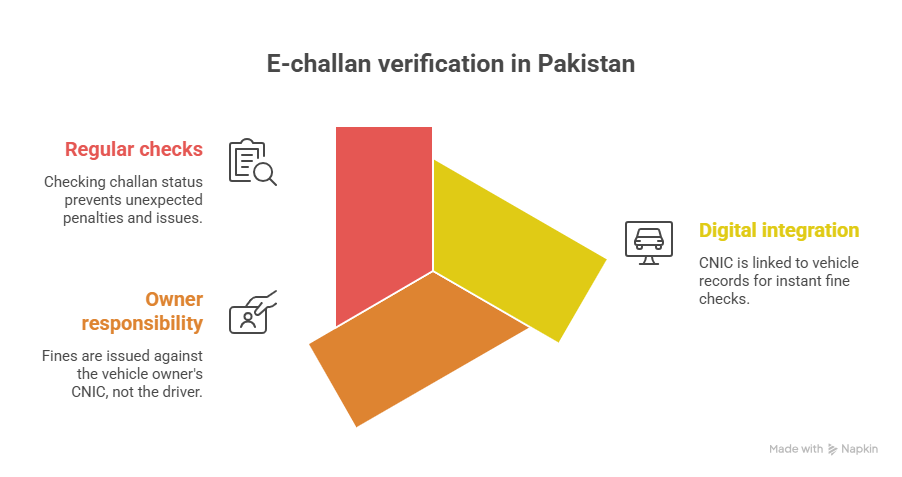
In the past, the only way to check if your vehicle possessed an active traffic fine was by waiting for a postal ticket or relying on SMS delivery—both of which were highly unreliable due to outdated telecom registries. For 2026, the government has launched a highly secured integration linking your 13-digit National Identity Card (CNIC) directly to your motorized assets. Checking your E-Challan status is now instantly accessible online, ensuring you never receive compound late penalties unknowingly.
Why CNIC Checking is Mandatory
Traffic cameras don’t care who is driving the vehicle at that exact moment. They issue the penalty against the registered owner’s CNIC. If you hand your car to a friend or sell it without transferring documents properly, the unpaid E-Challan will permanently block your Excise file and your driving license renewal capabilities.
What You Must Keep Ready
- Your exact 13-Digit CNIC Number (Without Dashes).
- The Vehicle’s Alphanumeric Registration Number (e.g., LEB-1234).
- An active internet connection to load the PSCA or e-Pay Punjab server database.
Final Summary (حتمی نتیجہ)
Verifying your record via the new CNIC portal serves as your supreme digital safeguard. By dedicating two minutes every month to scan your identity credentials, you effortlessly avoid devastating compound traffic fines, unexpected vehicle impoundments, and extreme technical delays when renewing your transport documents.